Repeat the work. Not the mistakes.
Taskhull turns your best run into a versioned template, starts every order, hire, audit or site visit from it, and gives each person a short list on their phone — with proof when it's done.
- 1Laminate hullStructure
- 2Mount engine bedMechanics
- 3Wire control cabinetElectrics
- 4Pressure testQA
- 5Final inspectionQA
- C28-24017 · Harbor 17Active86%
- C28-24018 · Harbor 18Blocked52%
- C28-24019 · Harbor 19Planned8%
- Wire control cabinetC28-24018 · Harbor 183/6Photo required
- Wire control cabinetC28-24019 · Harbor 190/6Photo required
- Mount engine bedC28-24019 · Harbor 191/4
Built to repeat
Every run starts from the version that worked last time — not from a copied spreadsheet.
Made for the person doing the work
A short list on the phone, with the instructions and proof each step needs. No board to learn.
Safe to change
Publish improvements whenever you like. Work already in progress keeps the plan it started with.
One model. Four ways in.
The same three ideas — a template, a project per run, a list per person — fit any process you repeat. Start with the one that looks like yours.
Manufacturing
One build sheet, every serial, a shop-floor list.
- Template
- Coastal 28 hull
- Project
- Each serial or customer order
Employee onboarding
The same great first week for every new hire.
- Template
- Engineering onboarding
- Project
- Each new hire
QA & compliance
Procedures run the same way, with proof on every step.
- Template
- Incoming goods inspection
- Project
- Each audit, batch or inspection
Facilities & maintenance
Routines done to one standard, on every site.
- Template
- Quarterly HVAC service
- Project
- Each site visit or work order
Everything a repeatable process needs. Nothing it doesn't.
Four building blocks — the plan, every run of it, the week's assignments and the list in each person's pocket — in one workspace.
Write it down once. Improve it forever.
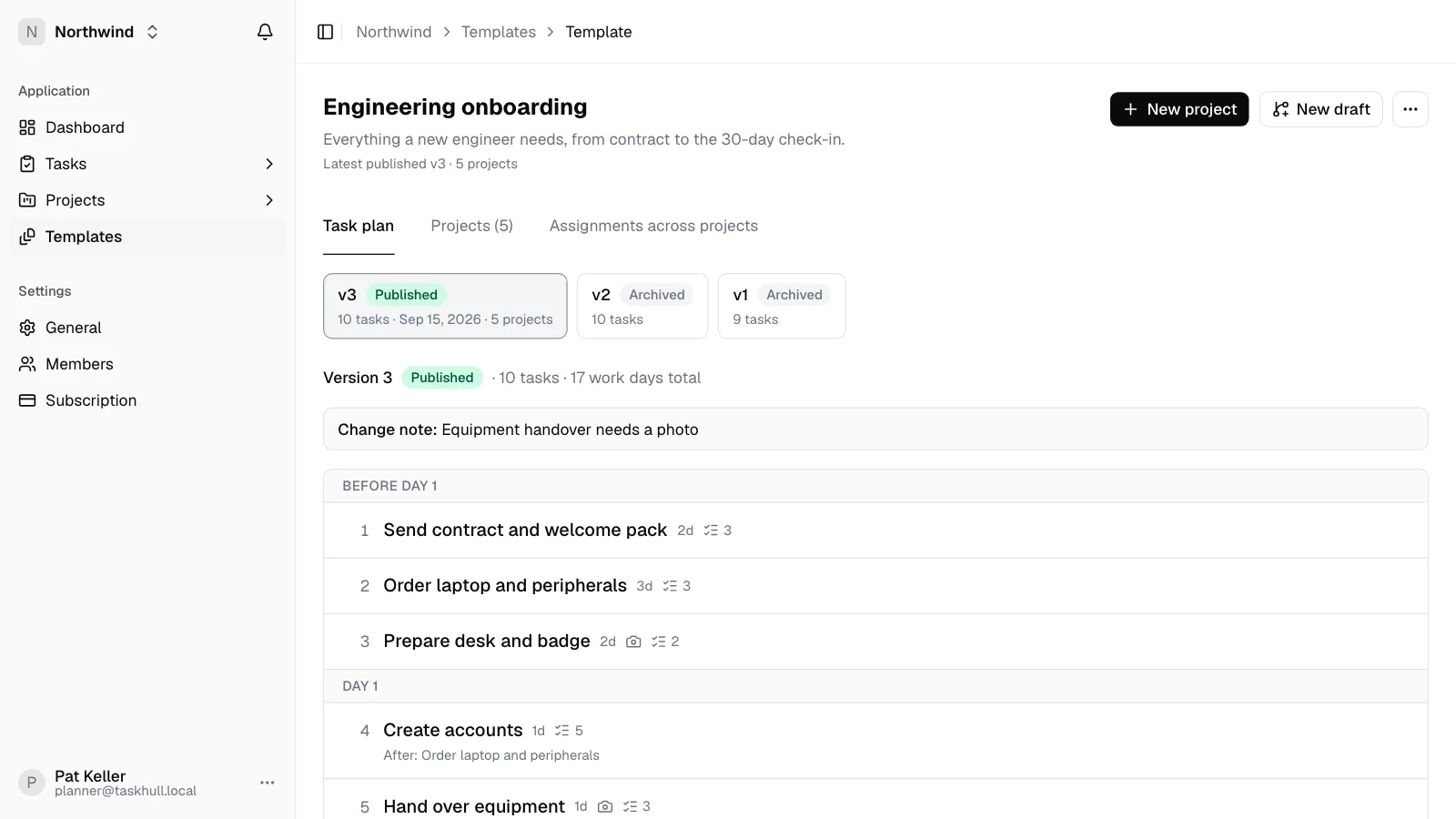
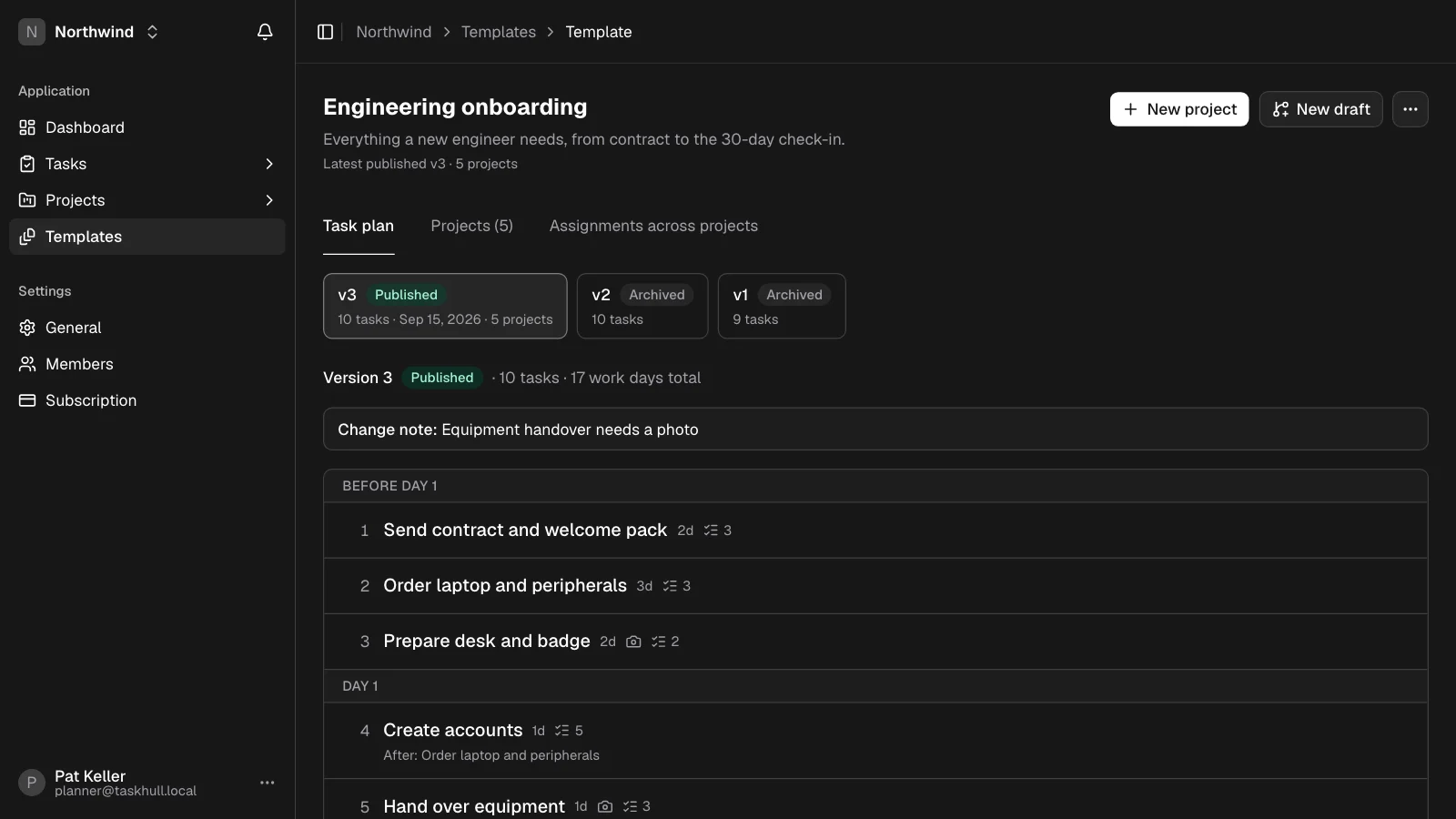
A template is your best run, written down: sections, steps, checklists, documents, and which steps need a photo or a comment. Edit a draft, publish a numbered version, and every new project starts from it.
- Draft, then publish — with a change note on every version
- Dependencies, durations and planned hours per step
- Save any project as a template, or update the template from it
One project per run. Nothing drifts.
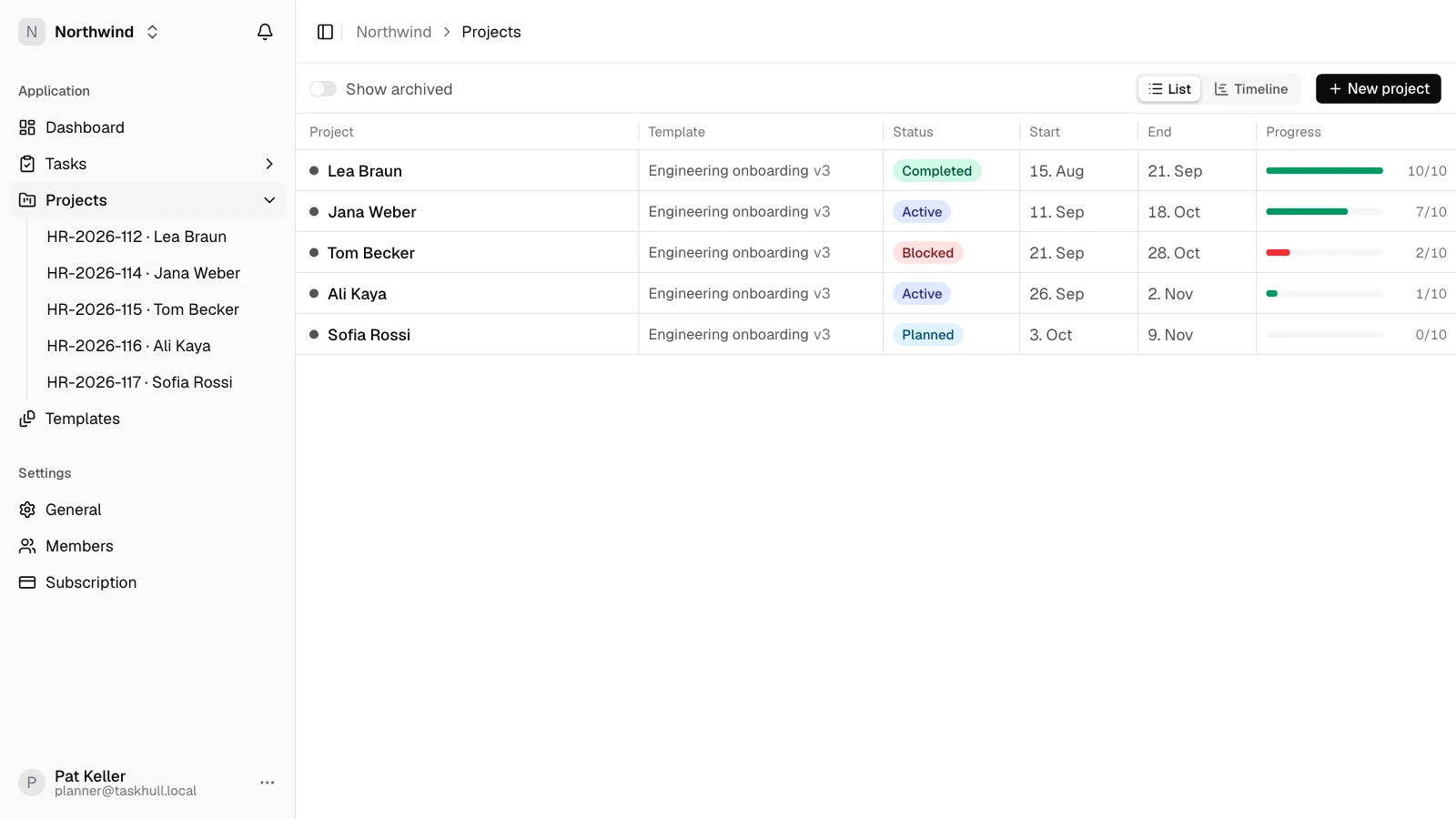
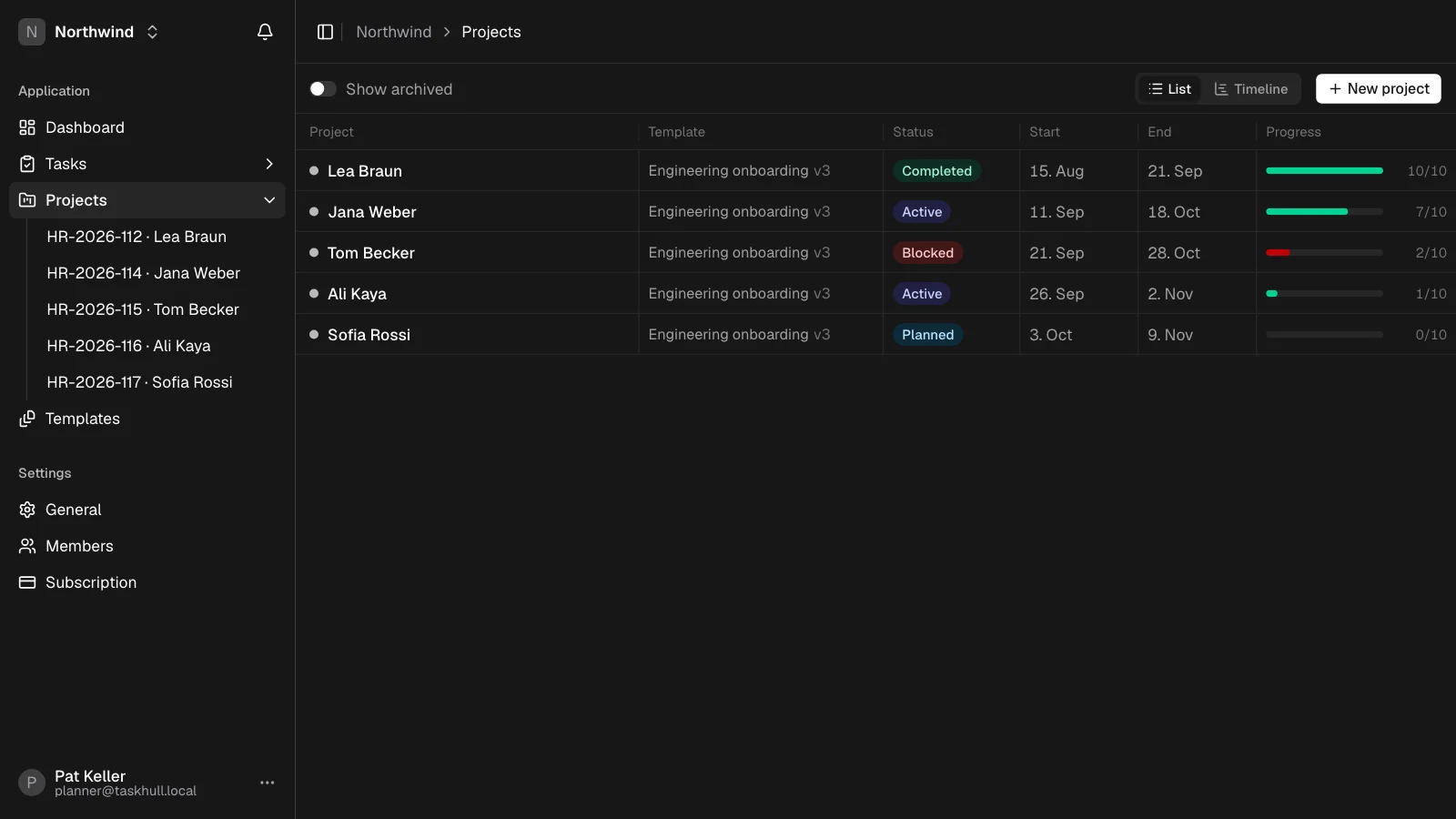
Every unit, hire, audit or visit is its own project with a name, a reference and dates. It stays pinned to the template version it started on, so publishing an improvement never rewrites work in progress.
- List and timeline views across every open project
- Upgrade to a newer version when you choose — finished work stays finished
- Add one-off tasks without touching the template
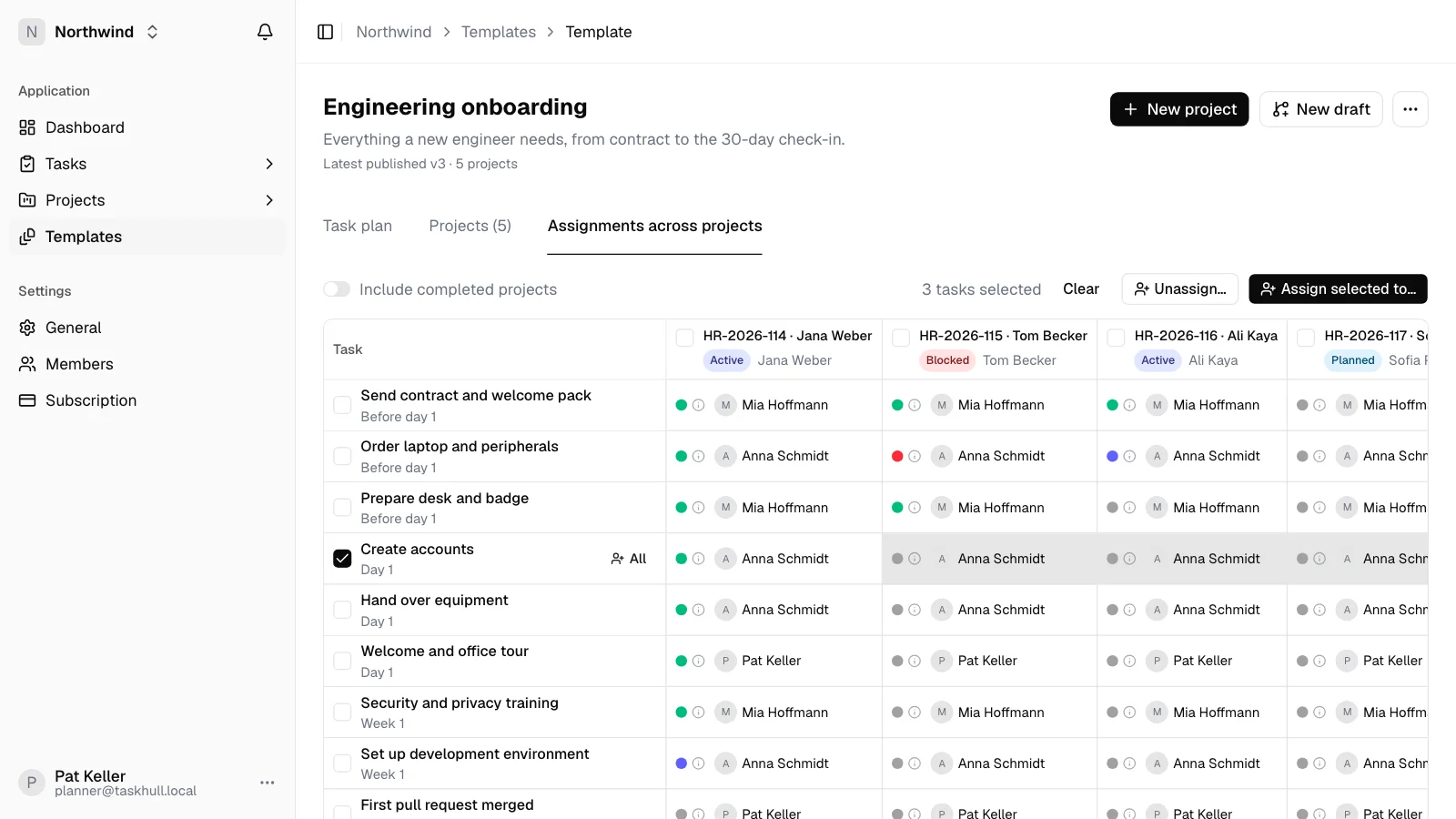
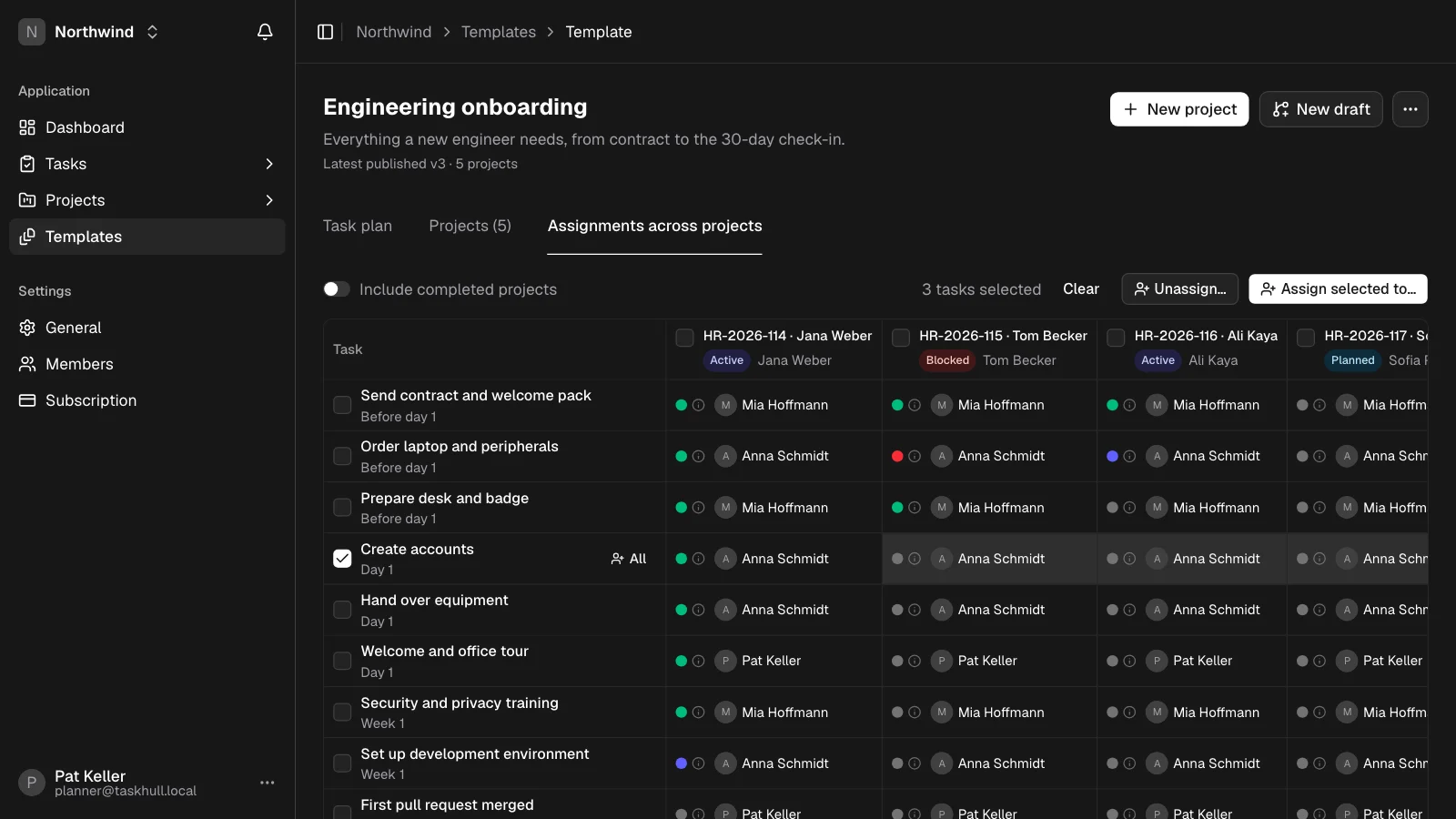
Plan the week in one action.
The same step repeats on every project. Pick it across everything that's open and hand it to one person — or select single cells when the week is uneven.
- Assign by row (one step, every project) or by cell
- Status of every step on every project, in one grid
- One notification per batch, not one per task
A list people actually finish.
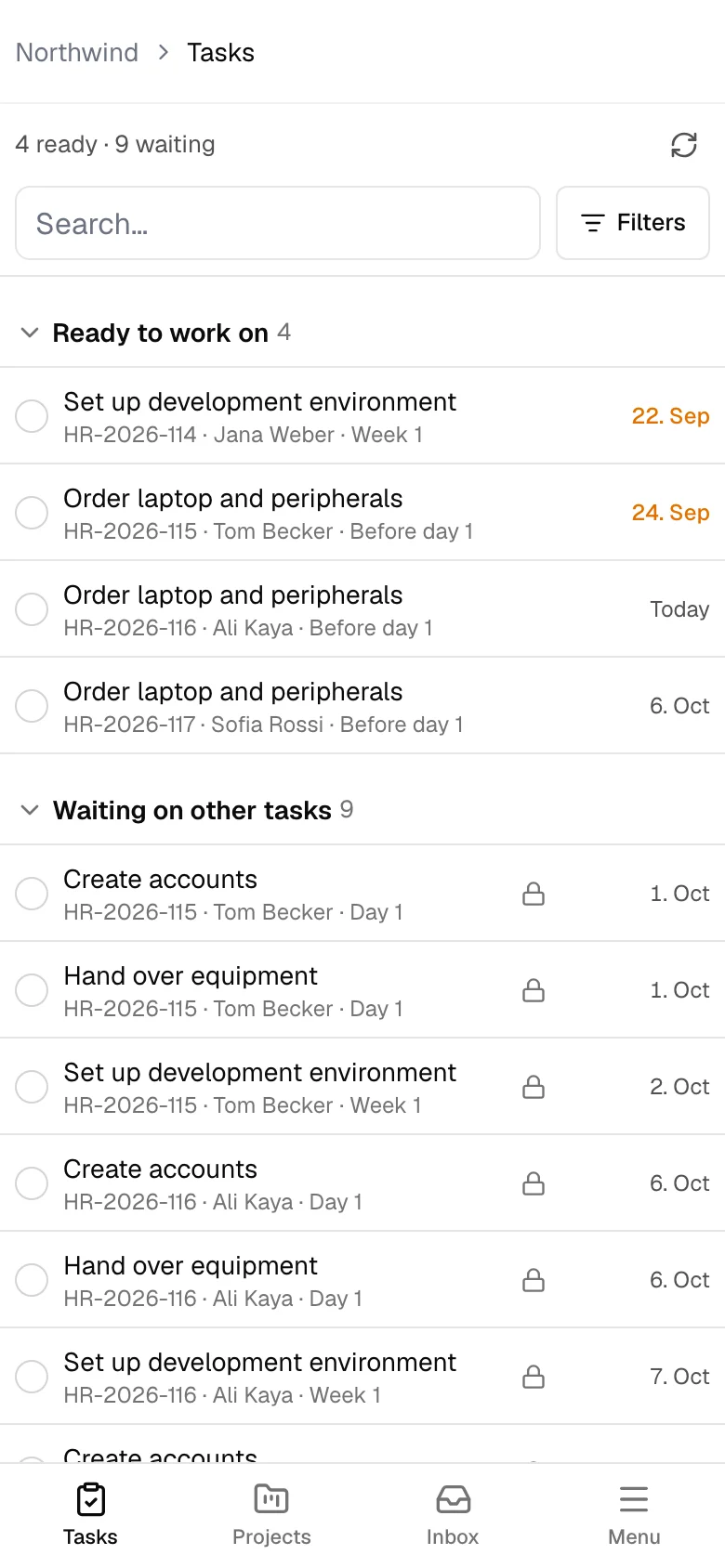
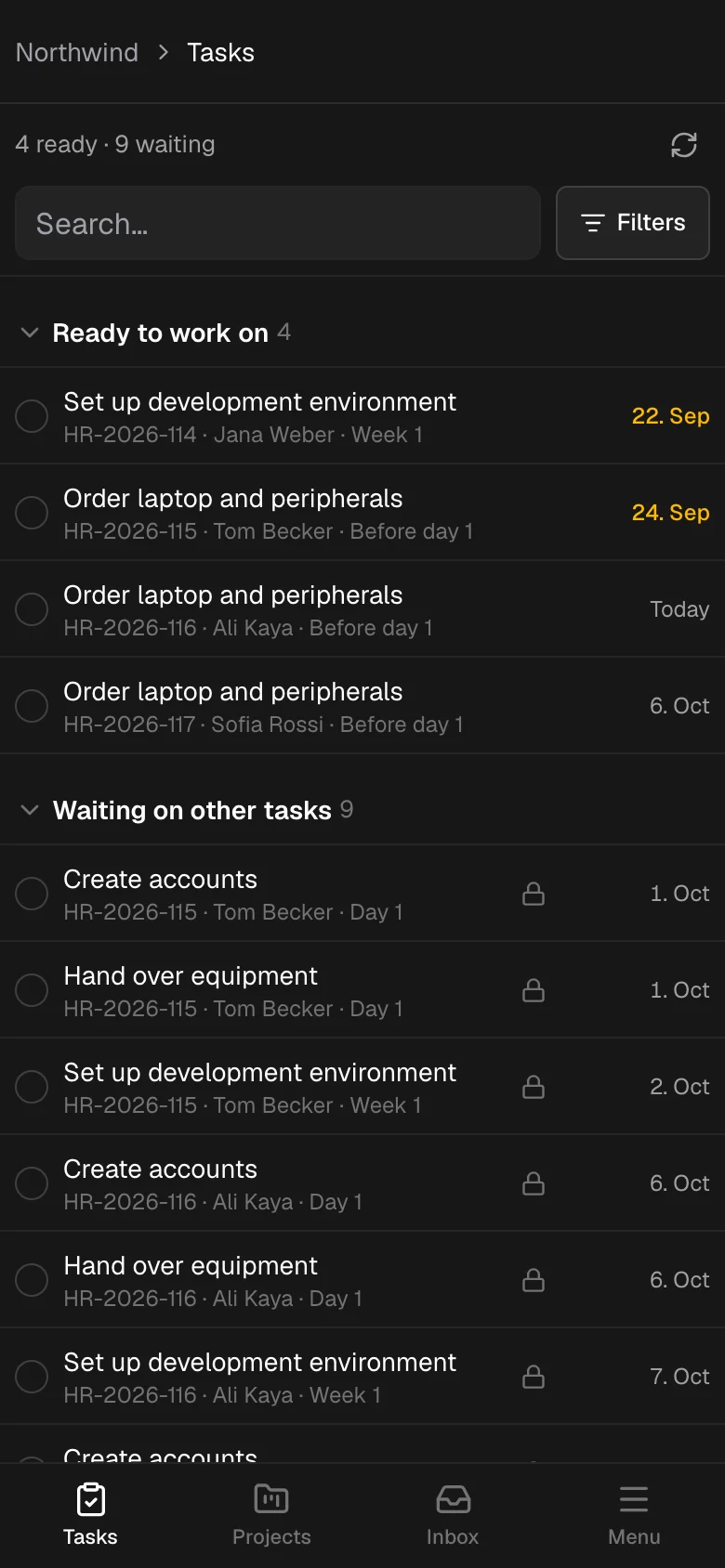
Everyone gets their own short list: what's ready, what's waiting on someone else, and what's done. Instructions, checklists, documents and the photo or comment a step needs — all on the phone.
- Keeps working offline and syncs when signal is back
- Block a task with a reason your team defined
- Comments with @mentions on every task
Not another task board.
General tools treat every job as a new list. Taskhull is built for the job you've done a hundred times — and want done right the hundred-and-first.
Built for
- The same process, run many times — units, hires, audits, site visits
- People who do the work on their feet, often on a phone
- Processes that improve carefully, without breaking runs in progress
- Work that needs proof: checklists, photos, comments, history
Use something else for
- One-off projects you plan from scratch every time
- Brainstorming boards and sticky-note roadmaps
- Support ticket queues and sprint backlogs
- Docs and wikis that nobody works through step by step
The details that make it stick.
The things you'd otherwise build in a spreadsheet, a group chat and a shared drive — already there, already connected to the work.
Timeline
A Gantt view of every project and its steps, with no setup.
Dependencies
Steps unlock in order, and people get a ping when theirs is ready.
Notifications
Blocked, finished and ready-to-start — sent to the people who need to know.
Activity history
Who started, ticked, commented and finished what, and when.
Documents
Drawings and PDFs attached to the exact step that needs them.
Roles
Owners and admins plan. Members work their list. Nobody wades through the rest.
Secure sign-in
Two-factor authentication, passkeys and Google sign-in.
Separate workspaces
Every organization's data is kept apart, checked on every request.
English and German
Navigation and task lists in both languages, per person.
Up and running in a week.
No migration project and no consultants. Start with one process, the one you run most, and grow from there.
- Day 1
Write down your best run
Turn the checklist you already use into a template — sections, steps, who does what, and where proof is needed.
- Day 2
Start what's already in flight
Open a project for every run in progress and tick off what's done. Nothing has to start from zero.
- Day 3
Plan the week
Hand each step to the right person across all open projects, in a few clicks.
- Day 5
Hand out the list
Invite your team. They open their list in the browser or install it on their phone like an app.
Every role sees the work that matters
Planners own the process. Leads assign across projects. Everyone else opens a short list. Nobody wades through a board built for someone else.
Owner or admin
Planner
Write the process once, publish a version and start each run as a project. Add a one-off task when a project needs extra work, without touching the template.
Across open projects
Team lead
Assign the same step across this week's projects, see what is blocked and why, and follow comments, photos and status without chasing anyone.
Member
The person doing the work
Open My tasks on a phone. Follow the instructions, tick the checklist, attach the required photo and mark it done — even without signal.
Recently shipped
Projects for any process
Projects get a name and an optional reference — a serial, case or work order number.
Block reasons per workspace
Define your own reasons for blocking a task. Members pick one when they're stuck.
Update a template from a project
Fold changes made on a running project back into the template as its next version.
Start free. Pay per person.
Free
€0.00/mo
Try templates, projects and the phone list
1 planner and 2 members
Templates, projects, and assigned tasks
Checklists, photos, and comments
Offline phone list
Pro
€20.00 per planner / month
€5.00 per member / month
For growing teams
€20 per planner, €5 per member
Each month or year you only pay for the people on your team — no extra seats to buy
Add someone mid-cycle and you only pay the time left — not a full year, and not free
100 GB file storage
Priority support
Questions, answered
Do it right the next time. And every time after.
Create a workspace, turn your best run into a template, and put the list on every project.